Using ‘Flat Pattern Export’ you can export one or more ‘Sheet Metal Flat Patterns’ at the same time to the DXF of DWG file format. The command may be executed both from within the Assembly environment as well as the Sheet Metal environment. Click here for more information about export settings..
When launching the command from within the Sheet Metal environment, Inventor will only publish the Flat Pattern of the active document to the selected location.
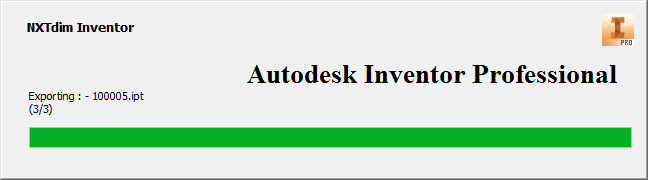
When launching the command from within the Assembly environment, all underlying parts will be examined. The Sheet Metal parts are collected and published to the selected location. The status window monitors the current publishing status (see image).
Remark:
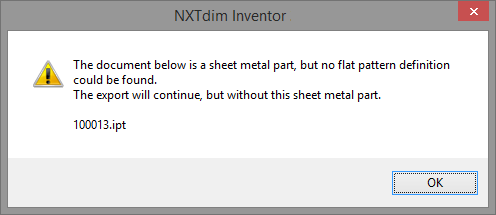
Before the command can be used, every ‘Sheet Metal’ part needs to have a ‘Flat Pattern’. Parts without a Flat Pattern cannot be published. An overview of these parts is given before publishing (see image).
